

Line preserve
For manga artists, the line is the drawing. Keep line preservation on when faces, hair strands, speed lines, or hand-drawn details define the style.
Transform black and white anime sketches, manga panels, and inked character art into full-color illustrations while preserving the original line work.
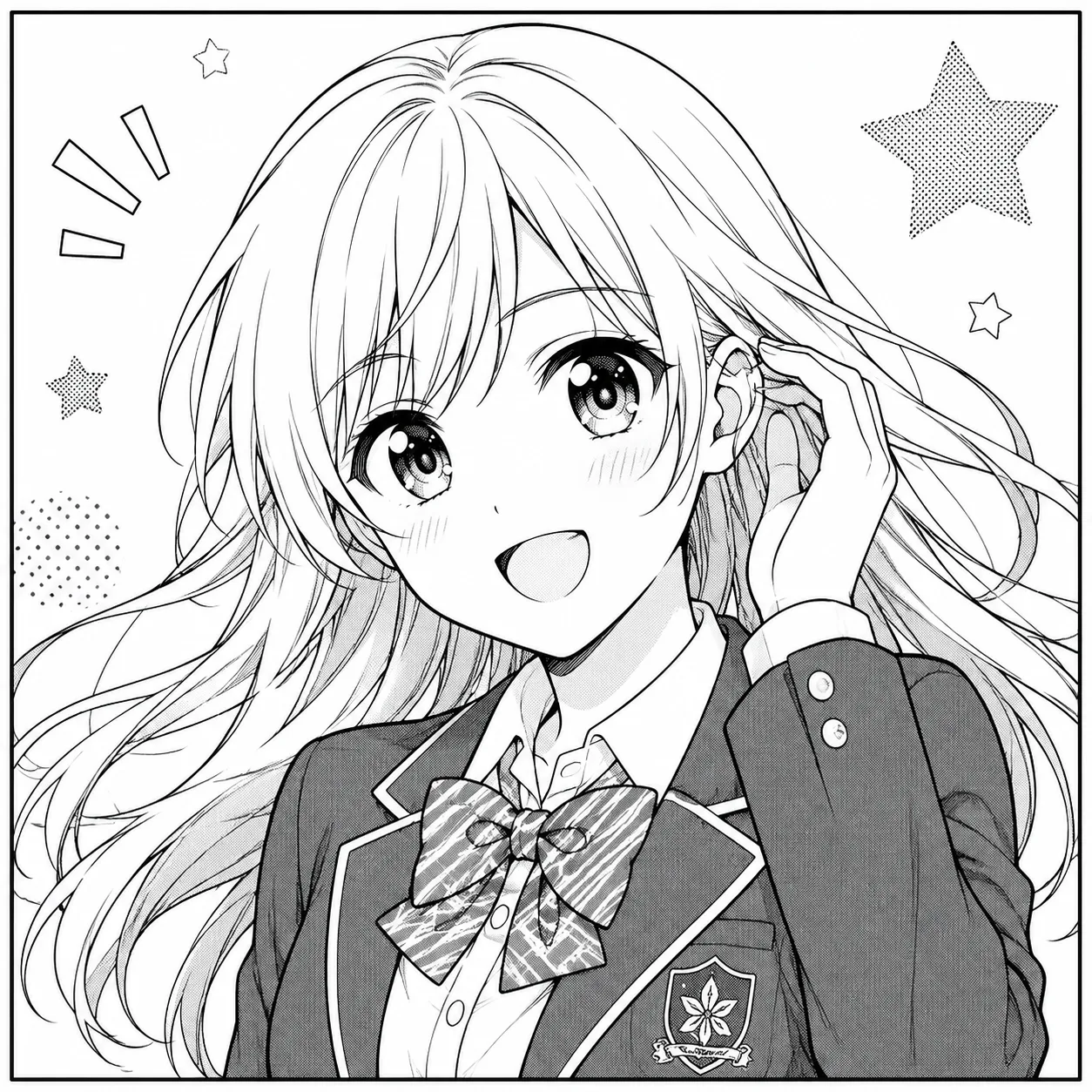
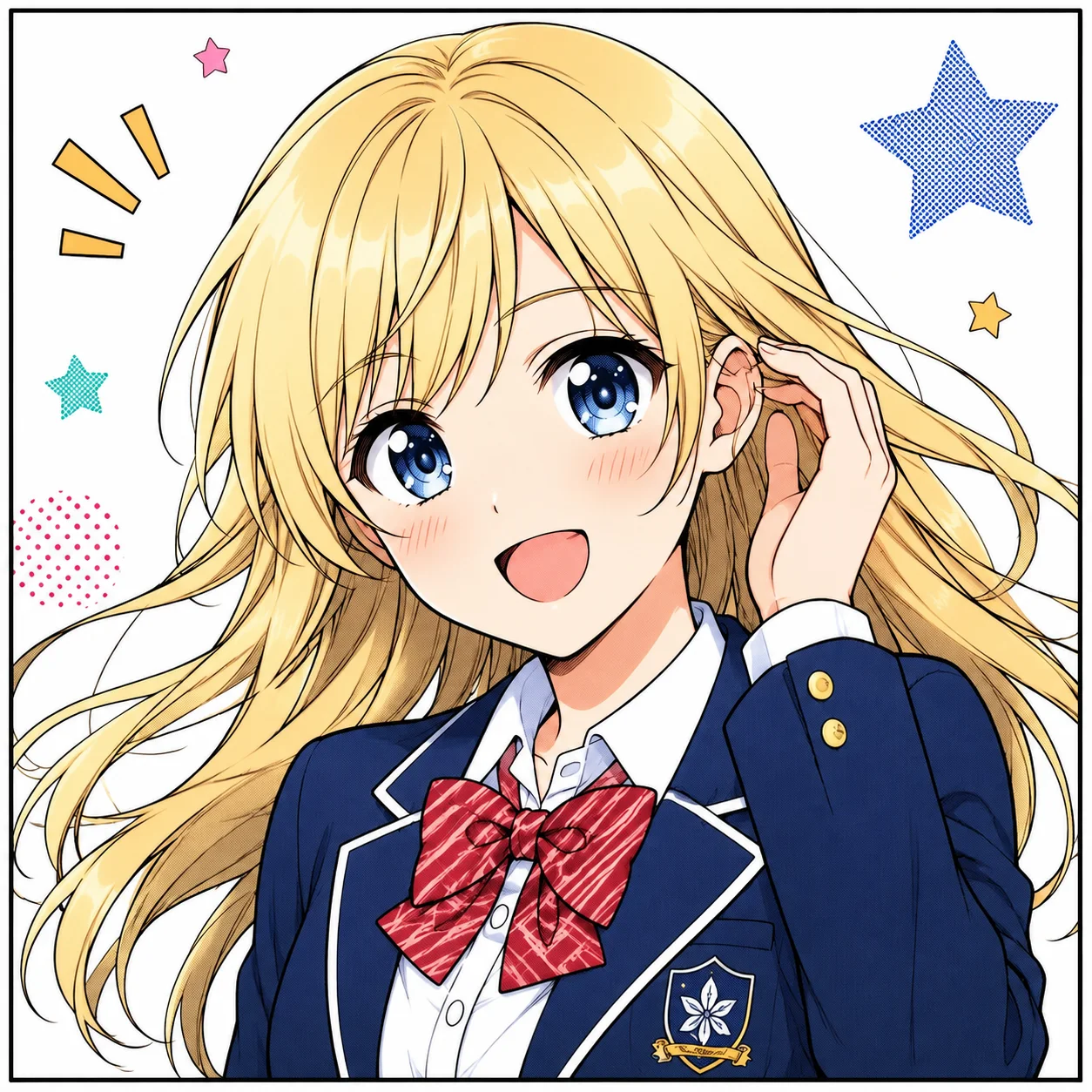
Character line art to cel-shaded color
Color decisions
The goal is not just adding bright colors. Manga colorization needs controlled boundaries, stable palettes, and respect for the artist's ink.
For manga artists, the line is the drawing. Keep line preservation on when faces, hair strands, speed lines, or hand-drawn details define the style.
Give the AI stable color facts: black hair, red scarf, teal eyes, warm ramen shop. This prevents random palettes across panels.
Cel shading keeps production clean. Soft anime color adds mood, but it can also smooth ink texture if the source scan is weak.
Core color controls
The workflow stays centered on one job: add color to manga line art while preserving the drawing, palette intent, and panel clarity.
01 / color control
Colorize line art without flattening the artist hand, so faces, hair strands, speed lines, and panel edges stay readable.
Colorize line art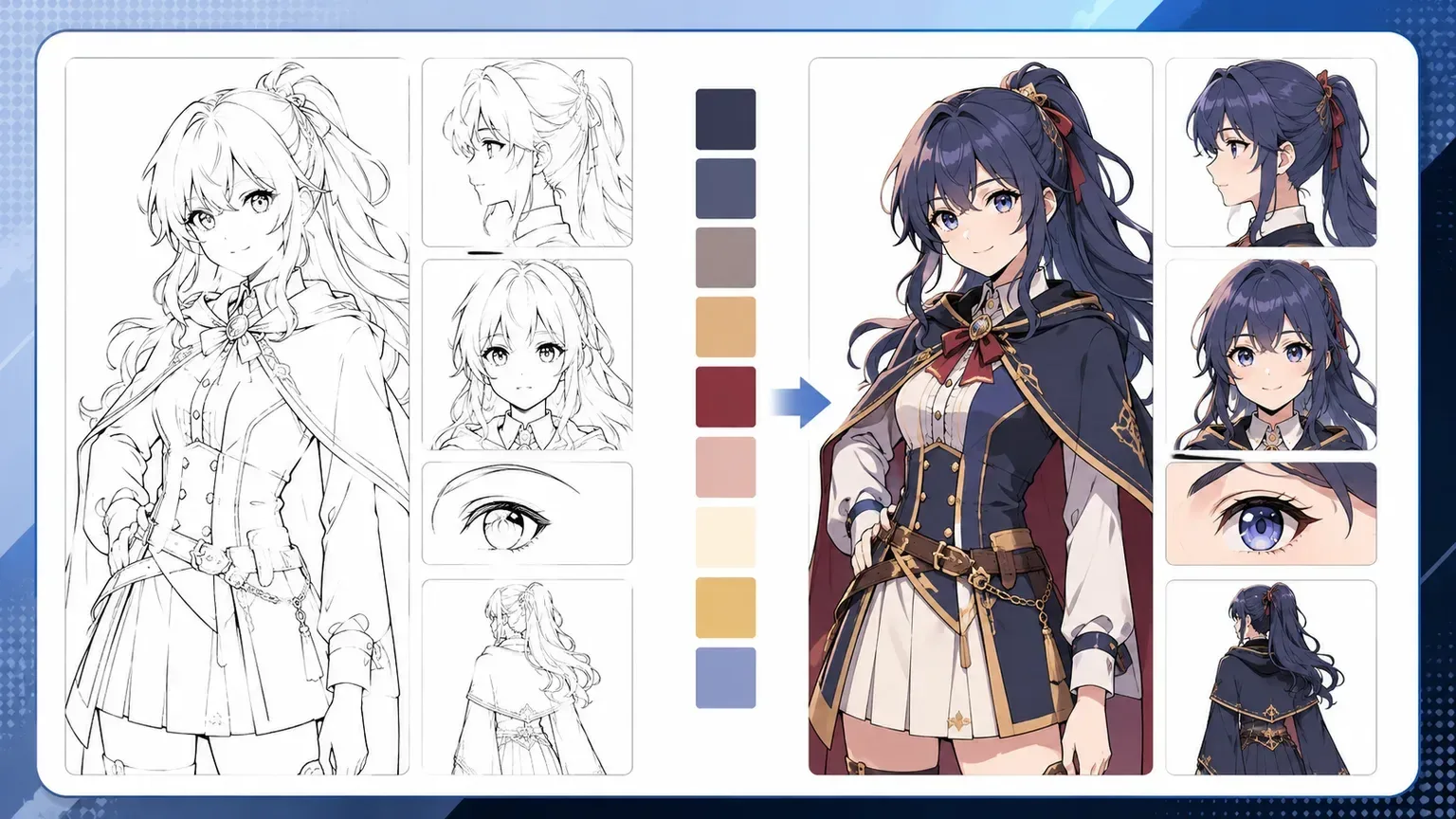
02 / color control
Use short color hints for hair, eyes, clothing, and accents so recurring characters do not drift across sketches or panels.
Colorize line art
03 / color control
Separate ink, screen tone, blank speech areas, and shaded regions so the color pass supports the manga panel instead of repainting it.
Colorize line artBefore and after
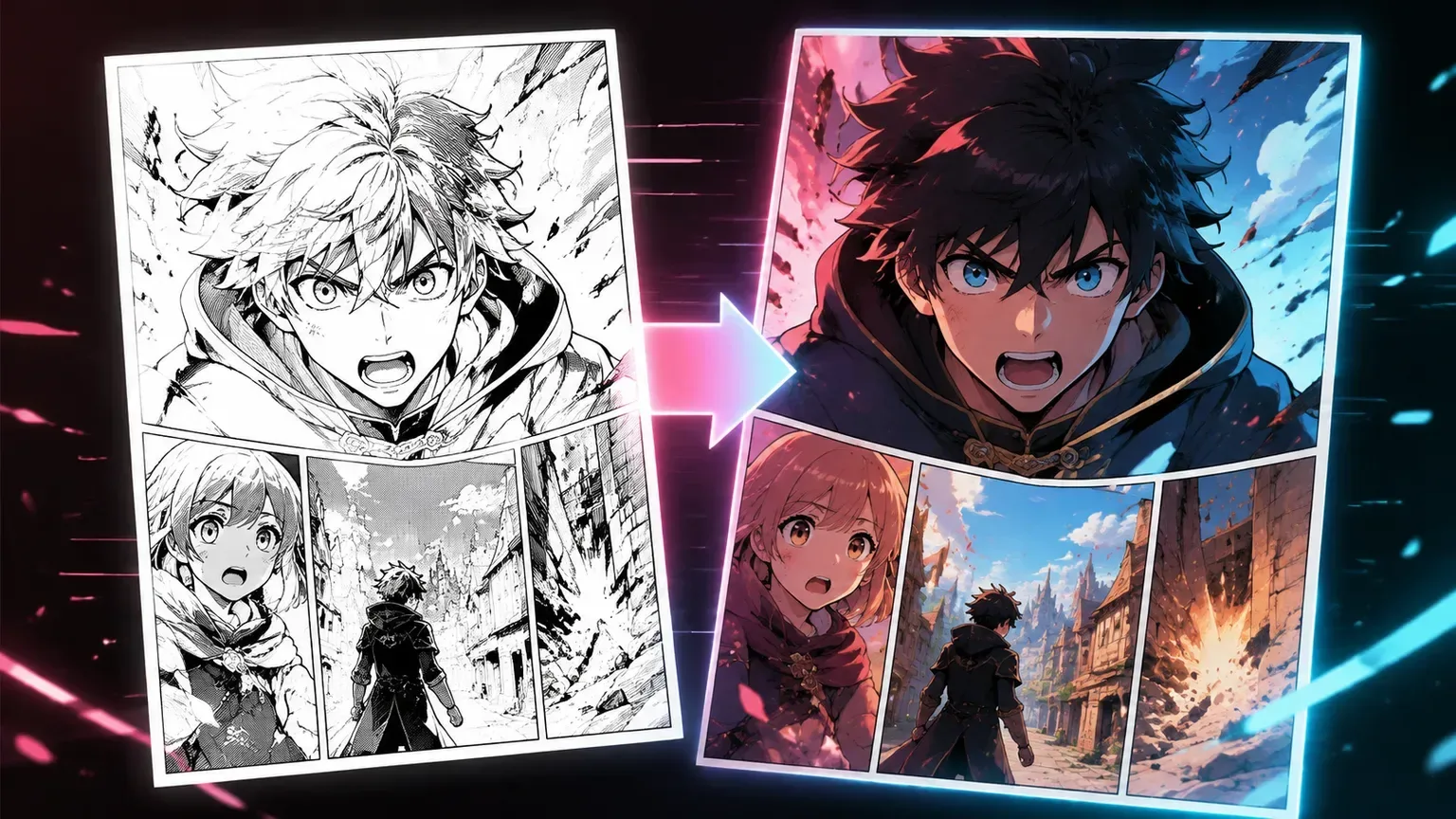
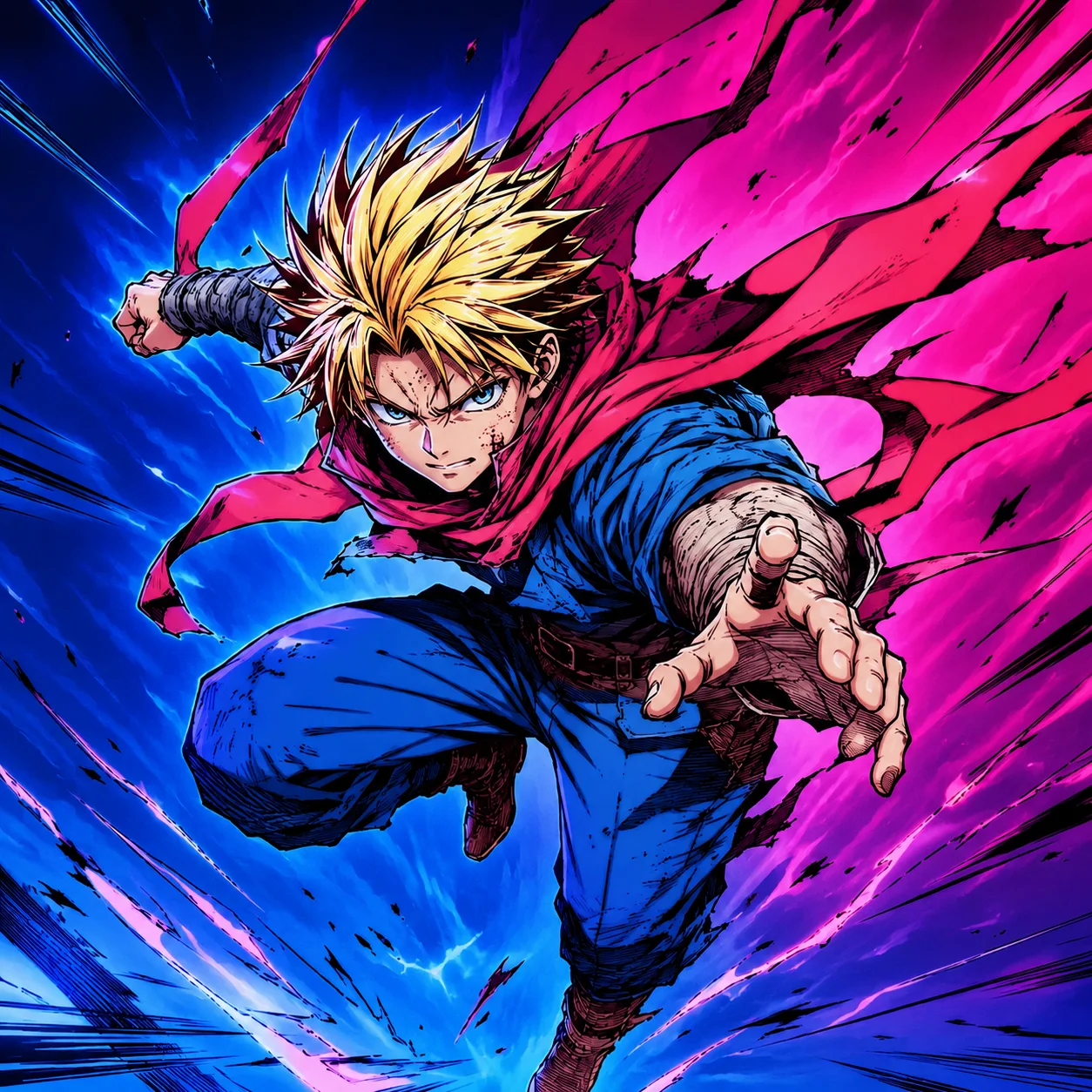
Before and after views reveal the real quality: lines should stay crisp, expressions should stay the same, and color should support the panel instead of repainting it.
Line artColor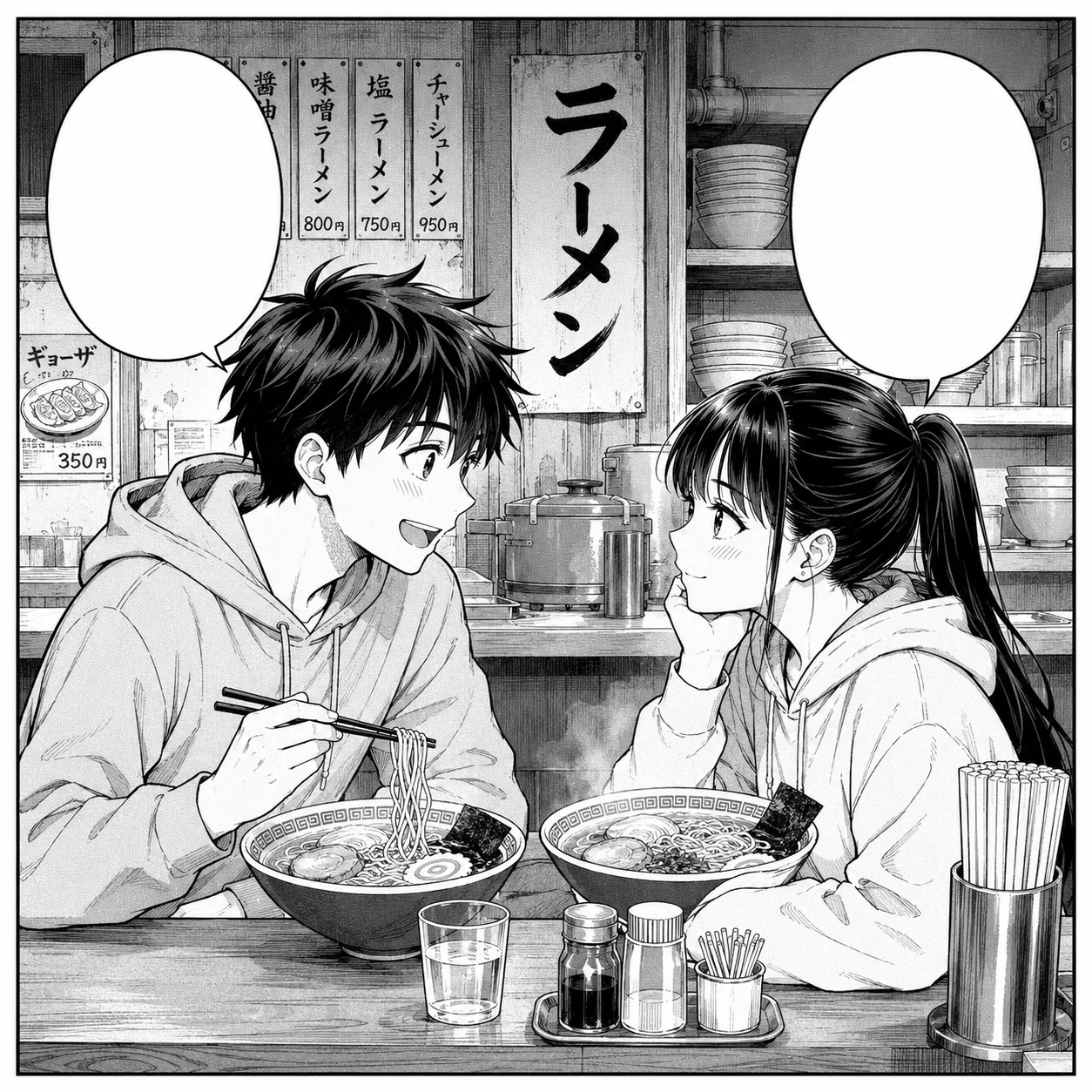 Line art
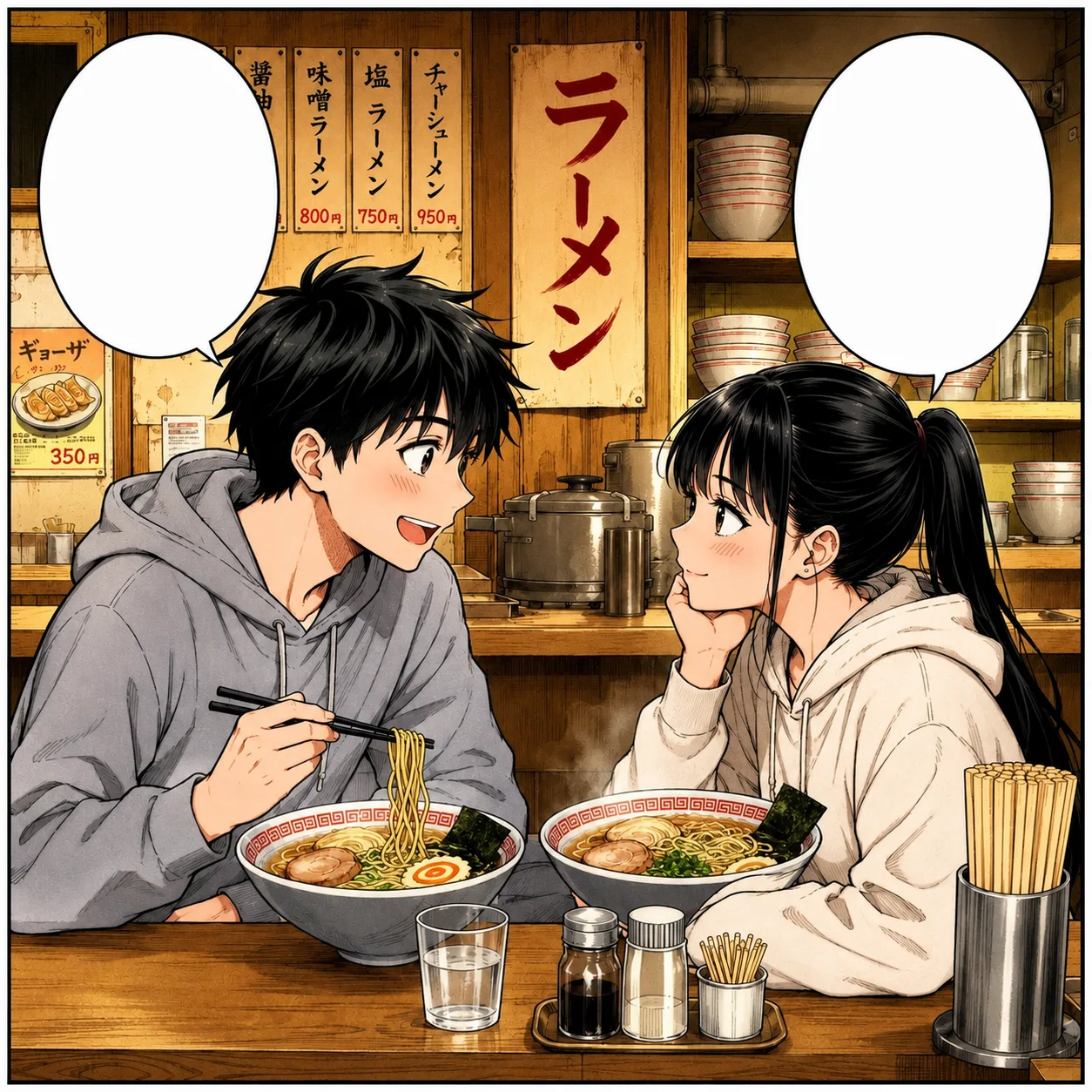 Color
Color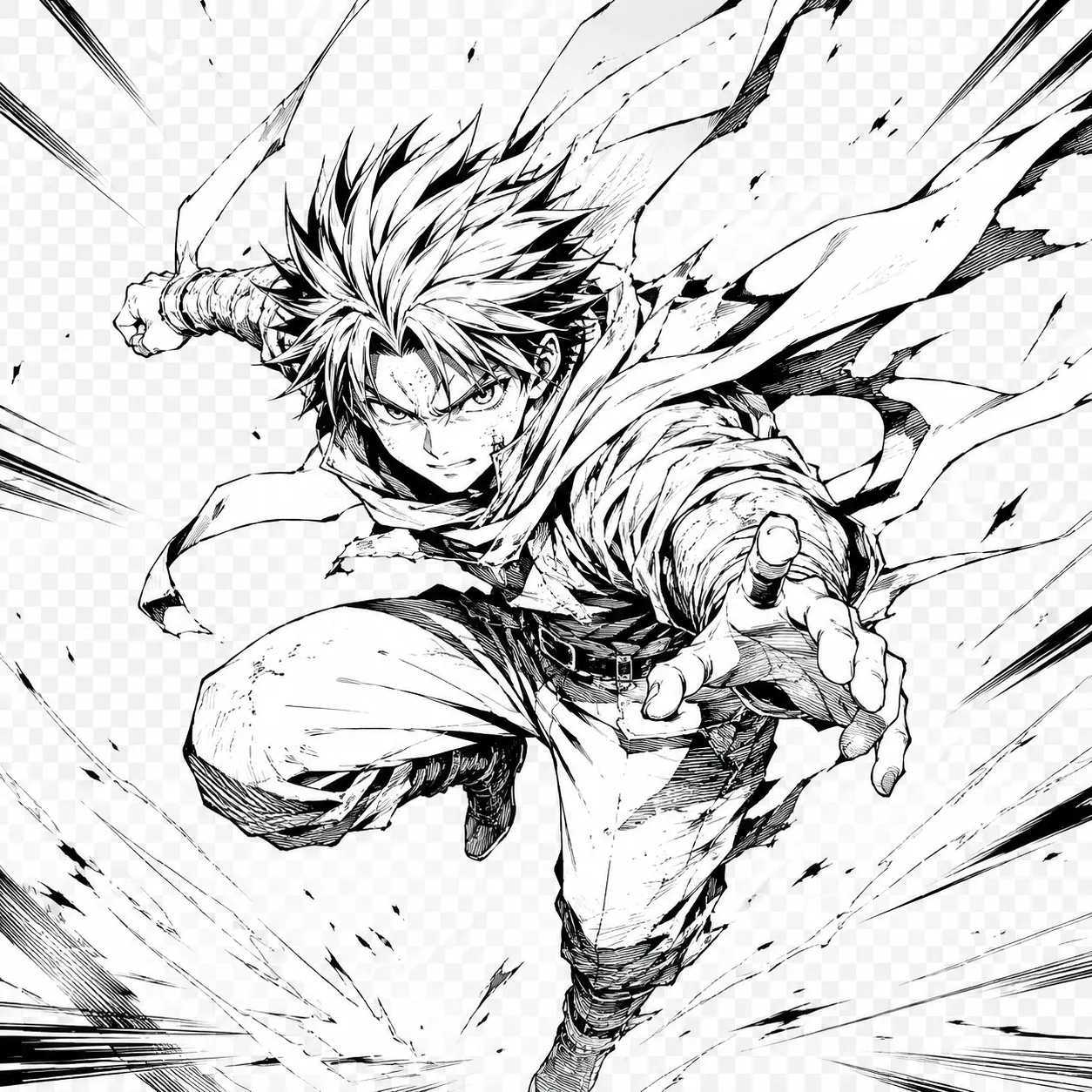 Line art
 Color
Color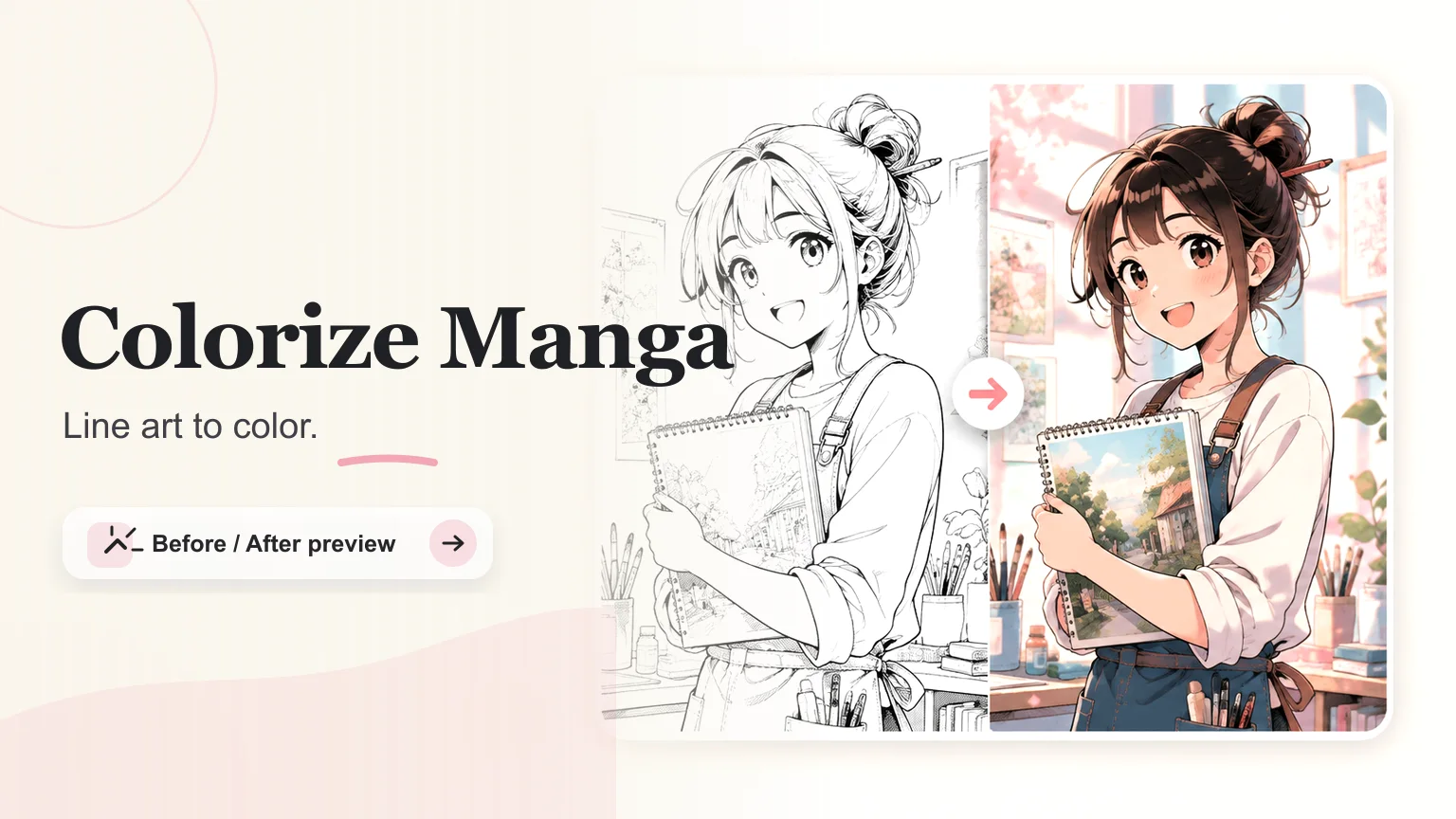
Artist pain points
Artists are usually trying to remove repetitive production work, not replace drawing judgment. The page is built around the points where manga coloring actually slows people down.
Flat-color blocking is repetitive, especially for pages with similar costumes.
Manual color tests slow down thumbnails, pitch decks, and fan-art drafts.
AI results can overpaint screen tones or make speech bubbles look dirty.
Character continuity fails when hair and eye colors are not specified.
Workflow
Keep the generation brief. The more panels and color rules you add at once, the more likely the AI is to drift from the original drawing.
Upload a clean black and white sketch, manga panel, or character sheet.
Choose a color style before adding detailed palette notes.
Describe recurring character colors in one short prompt.
Check line art, eyes, hands, and speech bubbles before exporting.
Best sources
High-contrast PNG scans
Inked Procreate exports
Clean manga panels
Character sketches
Webtoon draft art
Anime-style line art
User feedback
Colorize Manga with AI is most useful when artists already have a clean drawing and need fast, controlled color direction.
"It is useful for testing color direction before I commit to a full illustration. The line art still feels like mine."
Rina Mori
Manga illustrator
"For webtoon drafts, it helps me compare cel shade and softer palettes quickly without manually blocking every panel first."
Alex Kim
Webtoon artist
"The best part is using a short palette note and getting a consistent color mood for character concepts."
Nadia Vale
Character designer
"It gives me a fast first pass for character palettes before I spend time polishing the final illustration."
Mei Tanaka
Character artist
"The line-preserve workflow is the important part. I still want the drawing to feel hand-inked after color is added."
Iris Song
Comic artist
"For pitch boards, I can show monochrome and color options side by side without manually painting every draft."
Theo Grant
Storyboard artist
"It is strongest when I provide a simple palette note. The results are easier to compare across concepts."
Lena Ortiz
Art director
"I use it to test whether a panel should stay soft and pastel or move toward a stronger cel-shaded look."
Kai Morgan
Webcomic creator
Clean black ink on a light background works best. AI coloring struggles when the scan has paper texture, gray shadows, broken contour lines, or very low resolution, because it cannot tell what should be a color boundary.
The workflow is built around preserving ink lines, but it is still worth checking faces, fingers, hair strands, and small accessories. These details are where AI colorizers most often soften or redraw the art.
Choose cel shading for manga pages, webtoon tests, and consistent character sheets. Soft anime color is better for single illustrations where painterly skin, hair highlights, and atmospheric light matter more.
Yes, but start with one panel when quality matters. Full pages often contain tiny faces, screen tones, and speech bubbles, so color can bleed into areas that should stay white or monochrome.
Only if you provide clear hints or a reference. For recurring characters, write the hair, eye, outfit, and accent colors in the prompt so the tool does not invent a new palette every time.
Ink lines, speed lines, panel borders, blank speech bubbles, and some screen tones should usually stay controlled. If the result colors every texture, use a simpler palette and line-preserve mode.
Yes. It is useful for testing webtoon color direction, but start with one panel or character scene first. Full pages with tiny faces and dense tones need closer review.
Write stable color facts in the prompt, such as hair, eyes, outfit, and accent colors. For recurring characters, keep the same short palette note for each panel.